Your own server
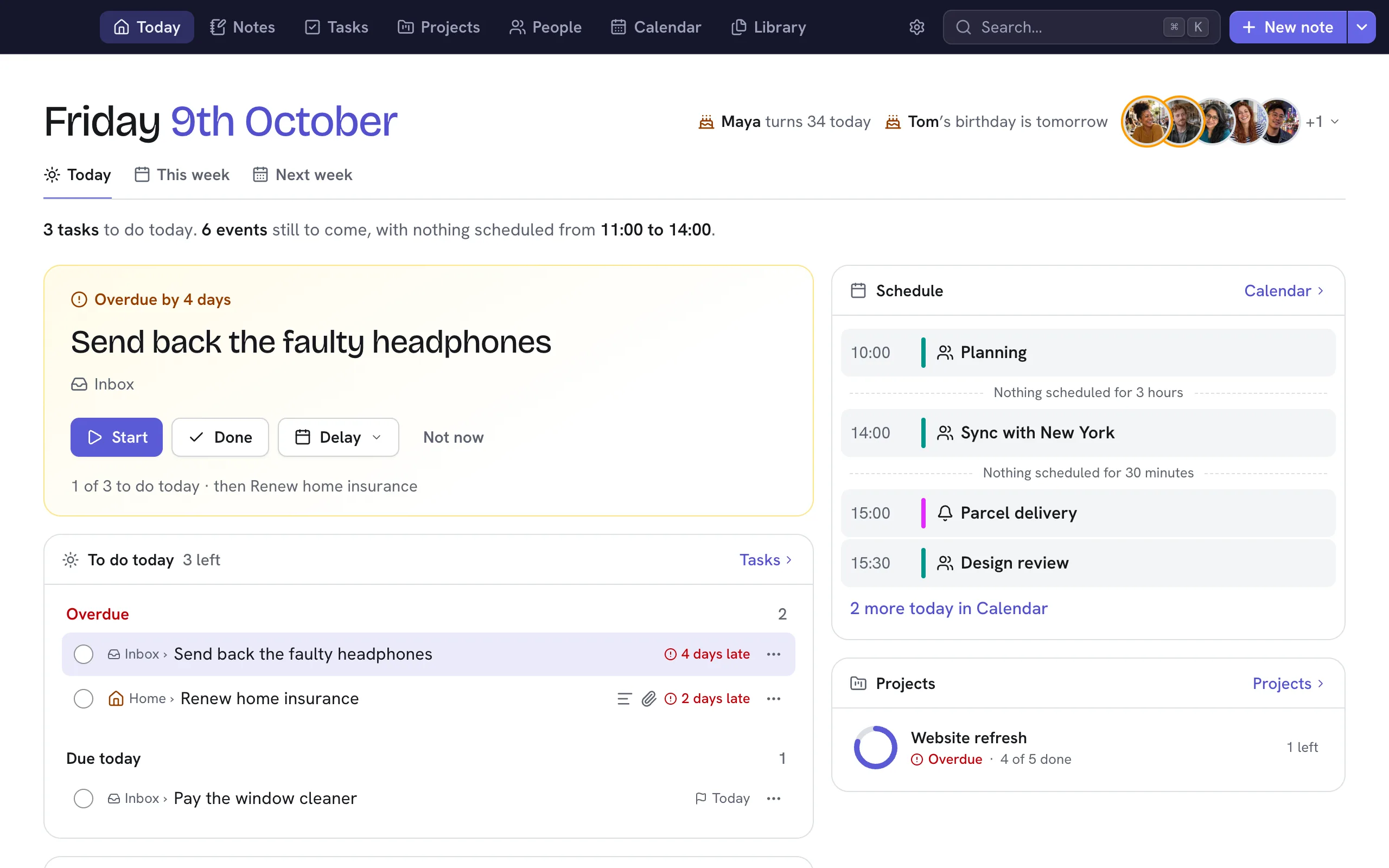
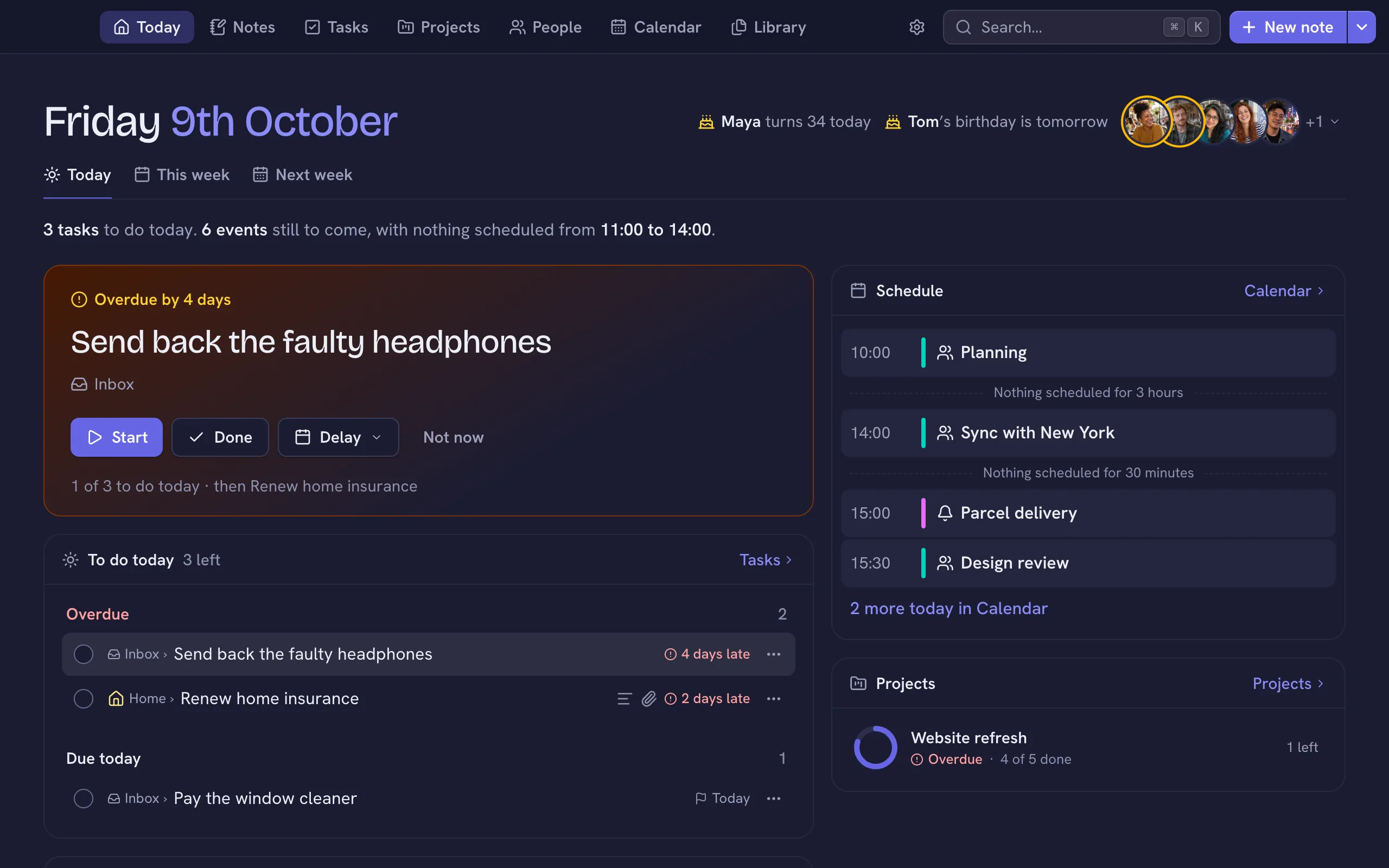
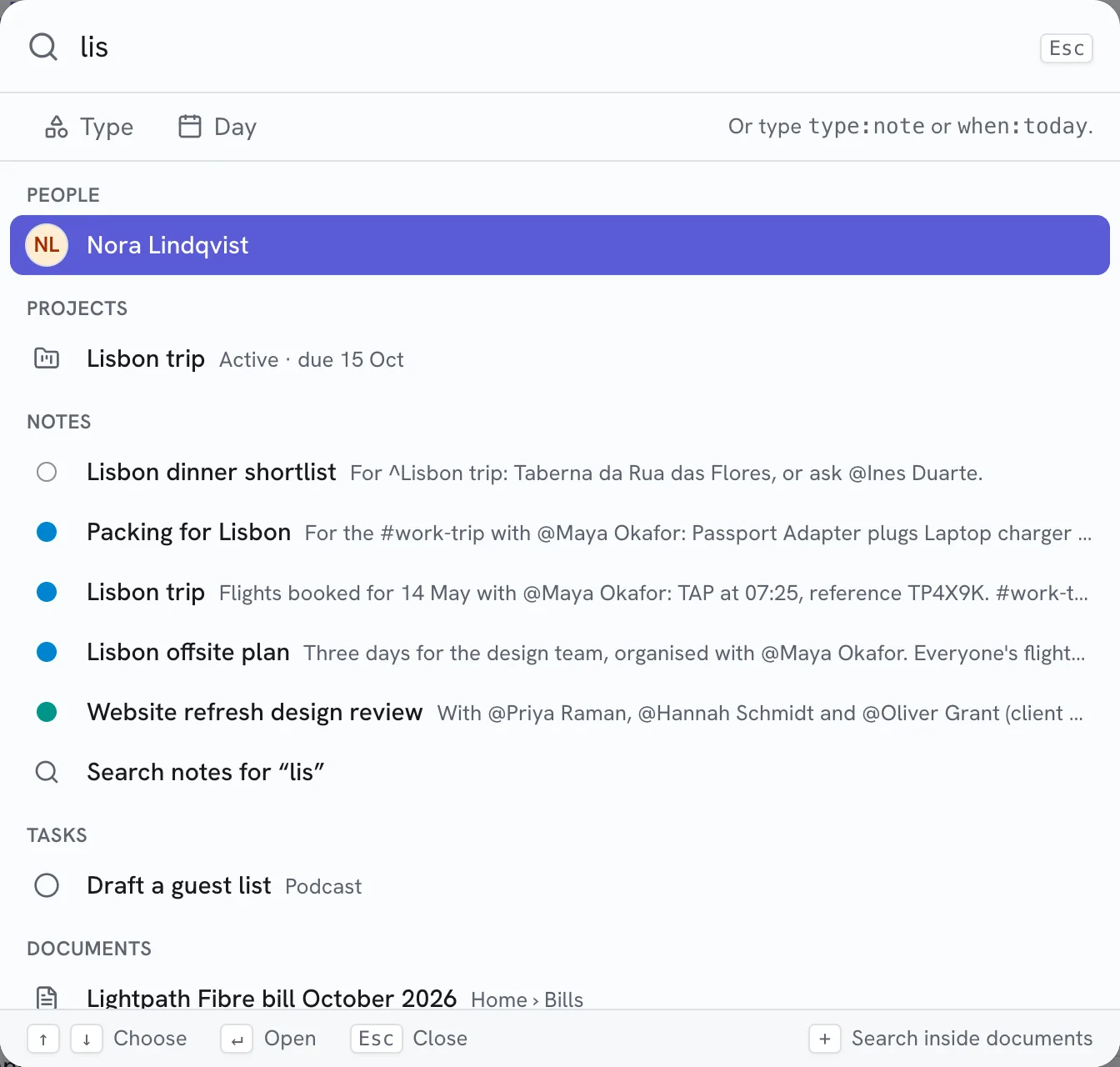
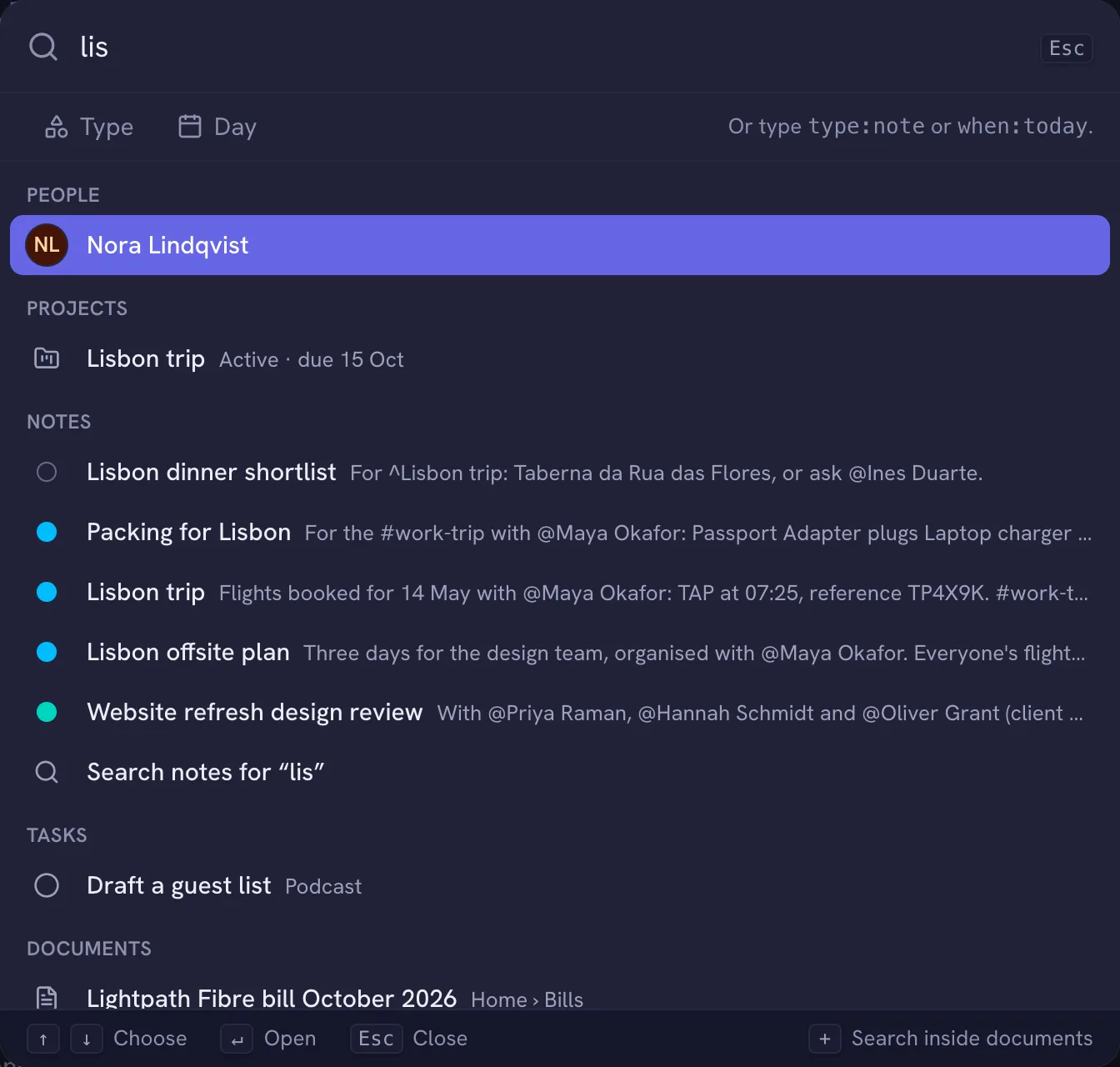
Your Nifty, on every device.
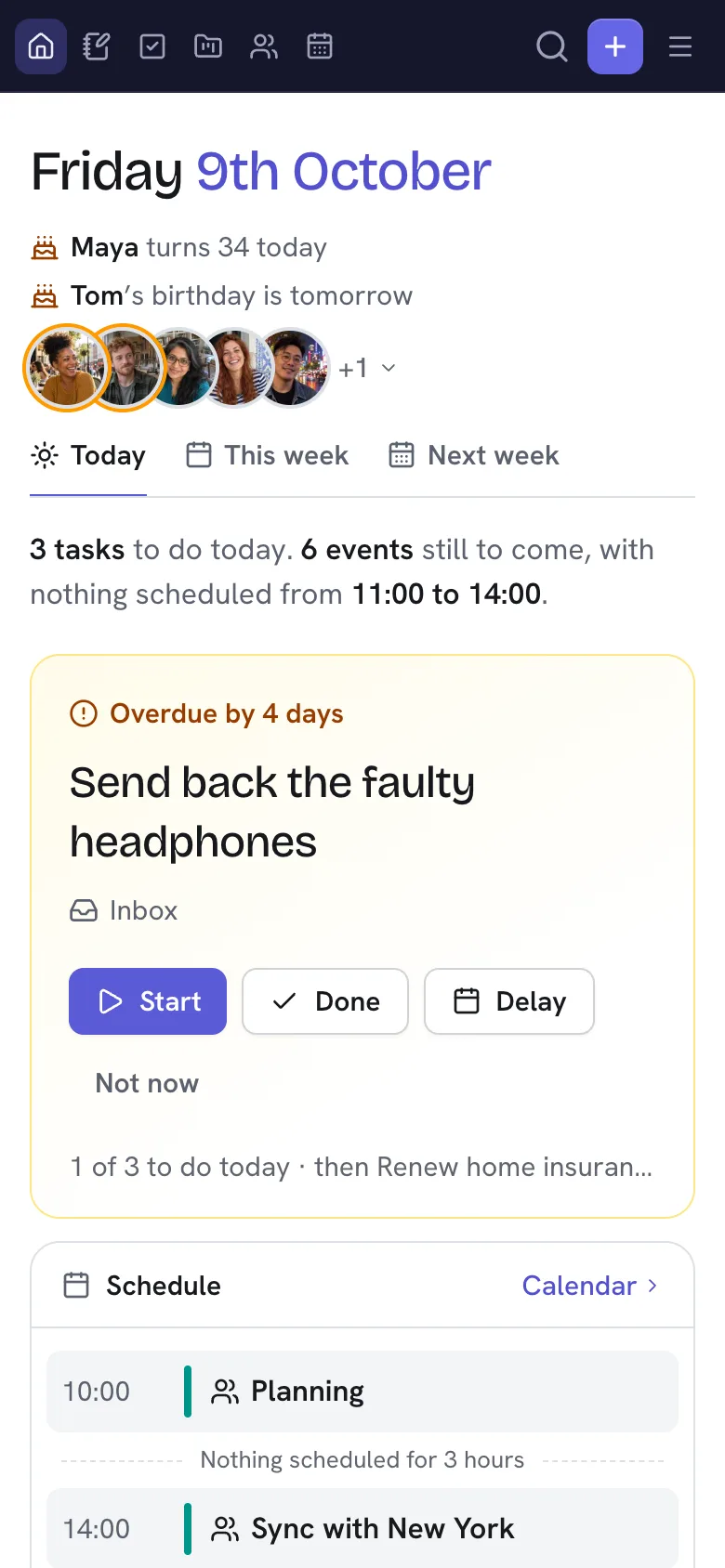
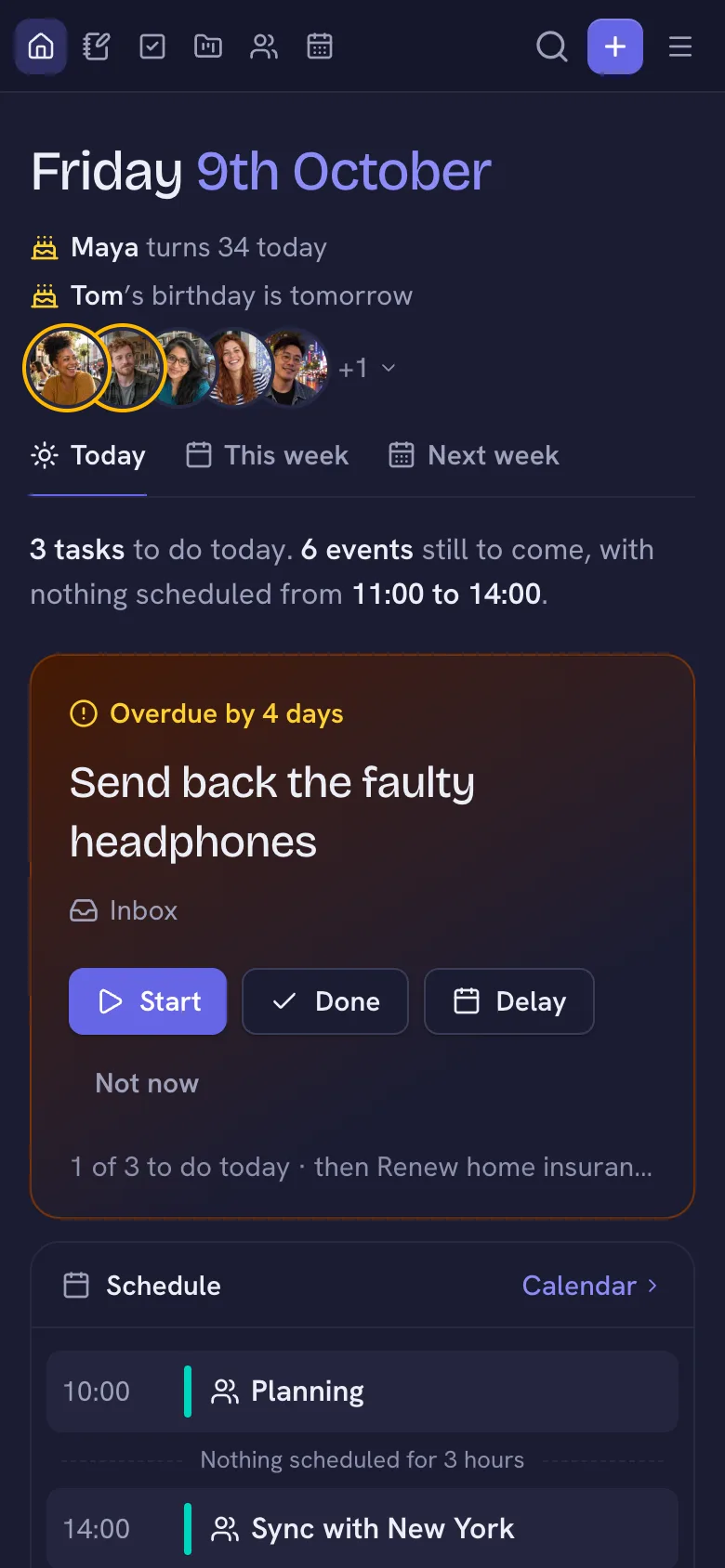
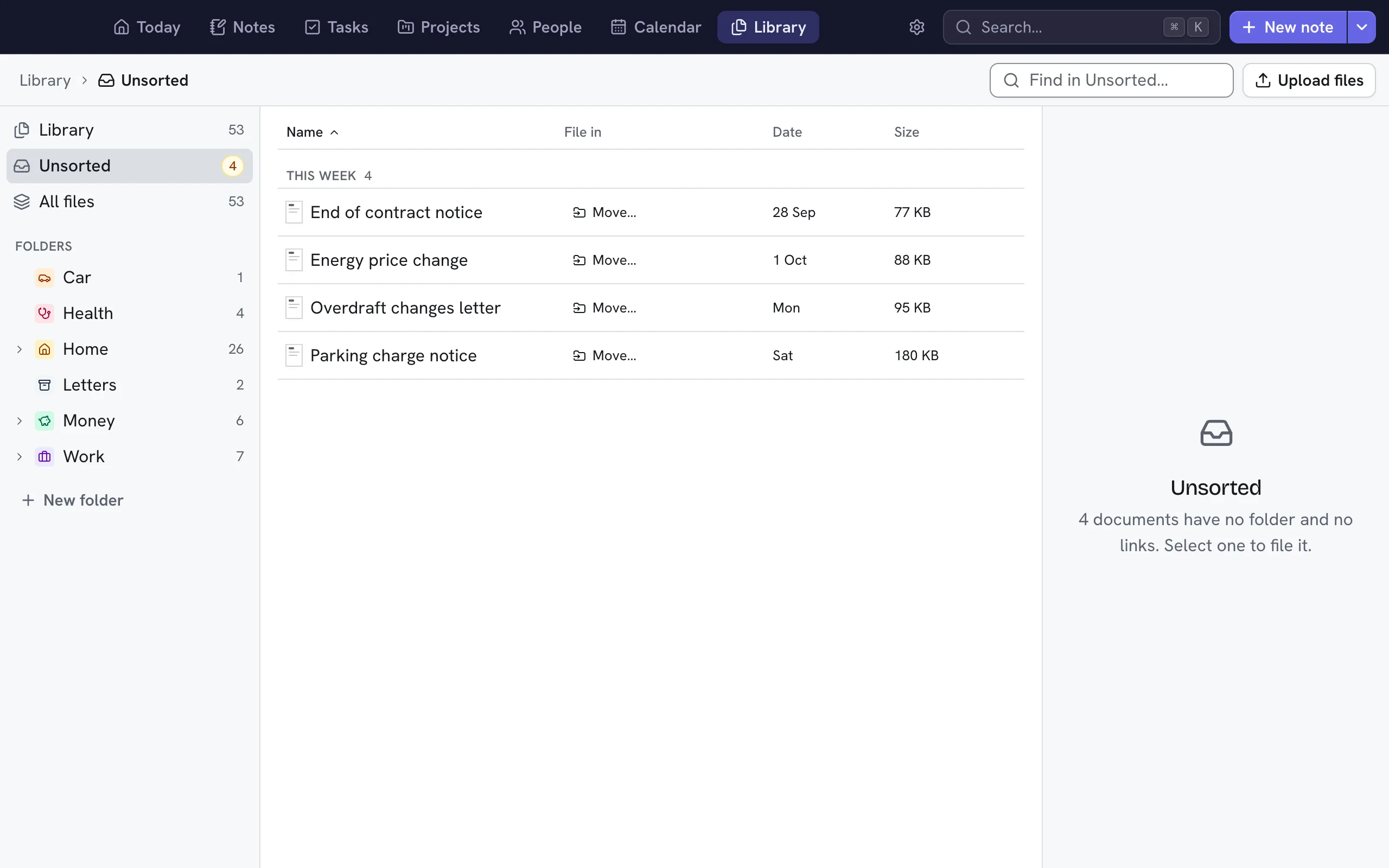
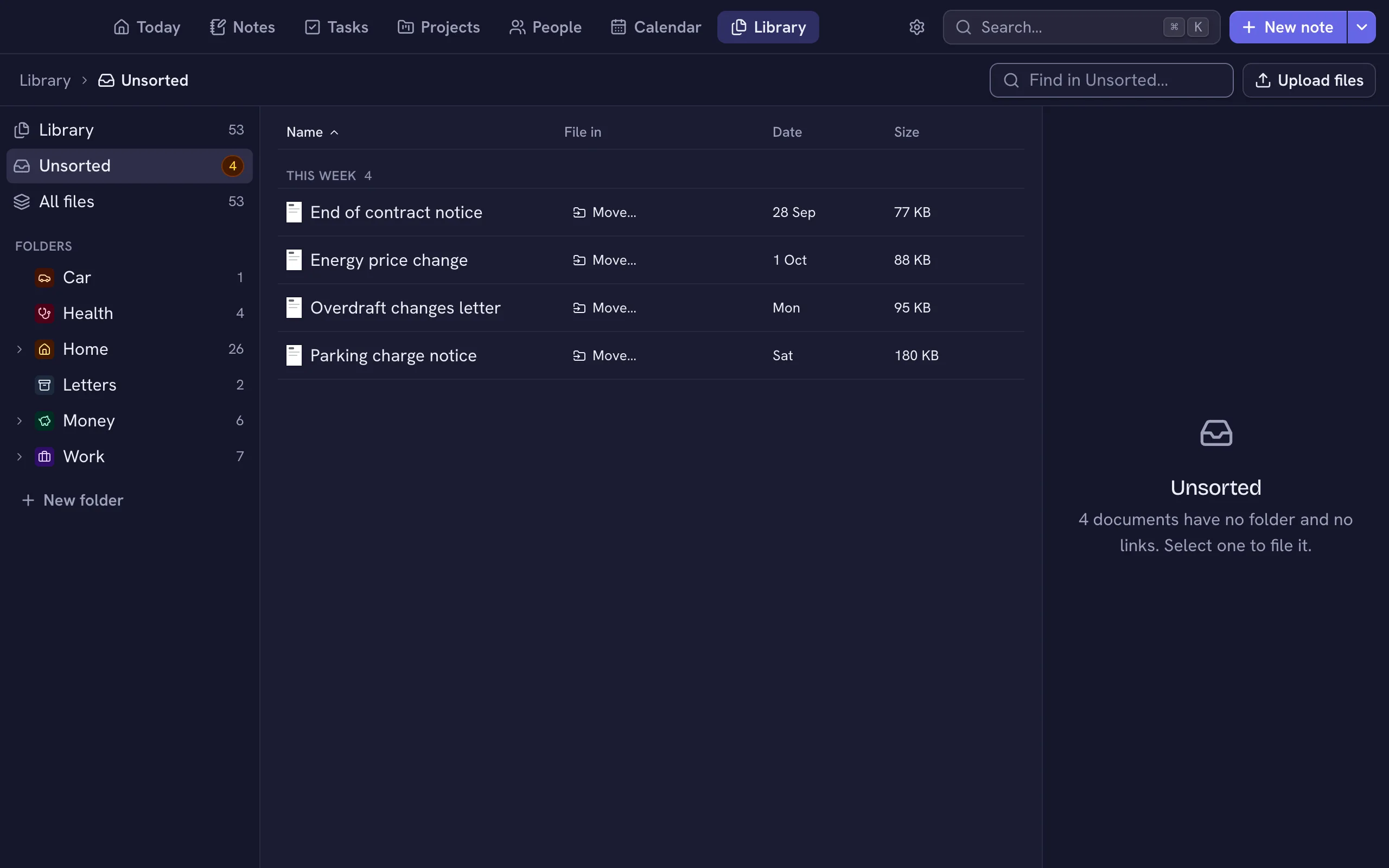
The desktop app keeps your Nifty on one computer. Run it on a server of your own instead, and it’s there on your phone, your laptop and every browser, always on, with your data still in your hands.
Is it for you?
A server suits you if you use Nifty on more than one device. If you only use one computer, the desktop app is all you need, and you can move to a server later.
What you get
- Every deviceUse Nifty in the browser on your phone, a tablet or any computer, as well as in the desktop app.
- Always onA note you write on your phone is waiting on your laptop, whichever computers are awake.
- One place for your dataEverything lives on the server, so there’s one thing to back up.
- Your own scriptsThe API lets your scripts and apps read and add to your data whenever they need to.
- IncludedYour licence covers the desktop app and your server alike.
What it takes
- A Linux computerWith 2 GB of memory, in the cloud or at home.
- A few minutesOne command installs Nifty and asks how you’d like to reach it.
- Looking after itKeeping the computer updated is up to you, though Nifty tells you when it has an update of its own.
- Your data to protectNifty makes backups for you, but keep a copy somewhere other than the server too.
- A rented server costs a littleA small one is a few pounds a month, and the company running it controls the machine.
Where to run it.
A small cloud server.
Companies such as Hetzner, DigitalOcean and Linode rent one for a few pounds a month, and it’s always on.
A computer at home.
A mini PC, an old laptop or a Raspberry Pi will do nicely, and your data never leaves the house.
Your homelab.
If you already run a home server, Nifty is happy in a small virtual machine beside everything else.
Tailscale makes it easy.
Choose Tailscale when you install and only your own devices can reach Nifty, with no ports to open and nothing on the public internet. Nifty can also use your own domain, or sit behind a proxy you already run.
Requirements, installing, HTTPS and Tailscale: Servers in the help →