Screenshots
Keep anything you see on screen.
Press ⇧⌘6, drag across what you want, and it’s in your Library. A booking, a receipt or a message from a friend is kept, found again by its words and filed however you like.
Screenshots are in the Nifty app for Mac.
Anything on your screen.
A booking confirmation, a receipt, a train time, a recipe or a map. If you can see it, in any app, you can keep it: press the shortcut, drag across the part you want, and get on with your day.
Filed your way.
Each screenshot lands in Unsorted, named for when you took it. A small window opens over what you were doing, so you can rename it, put it in a folder and link it to a person, project, note or task. Or leave it, and sort it when you have a moment.
The Library →Found again
Found by what’s in it.
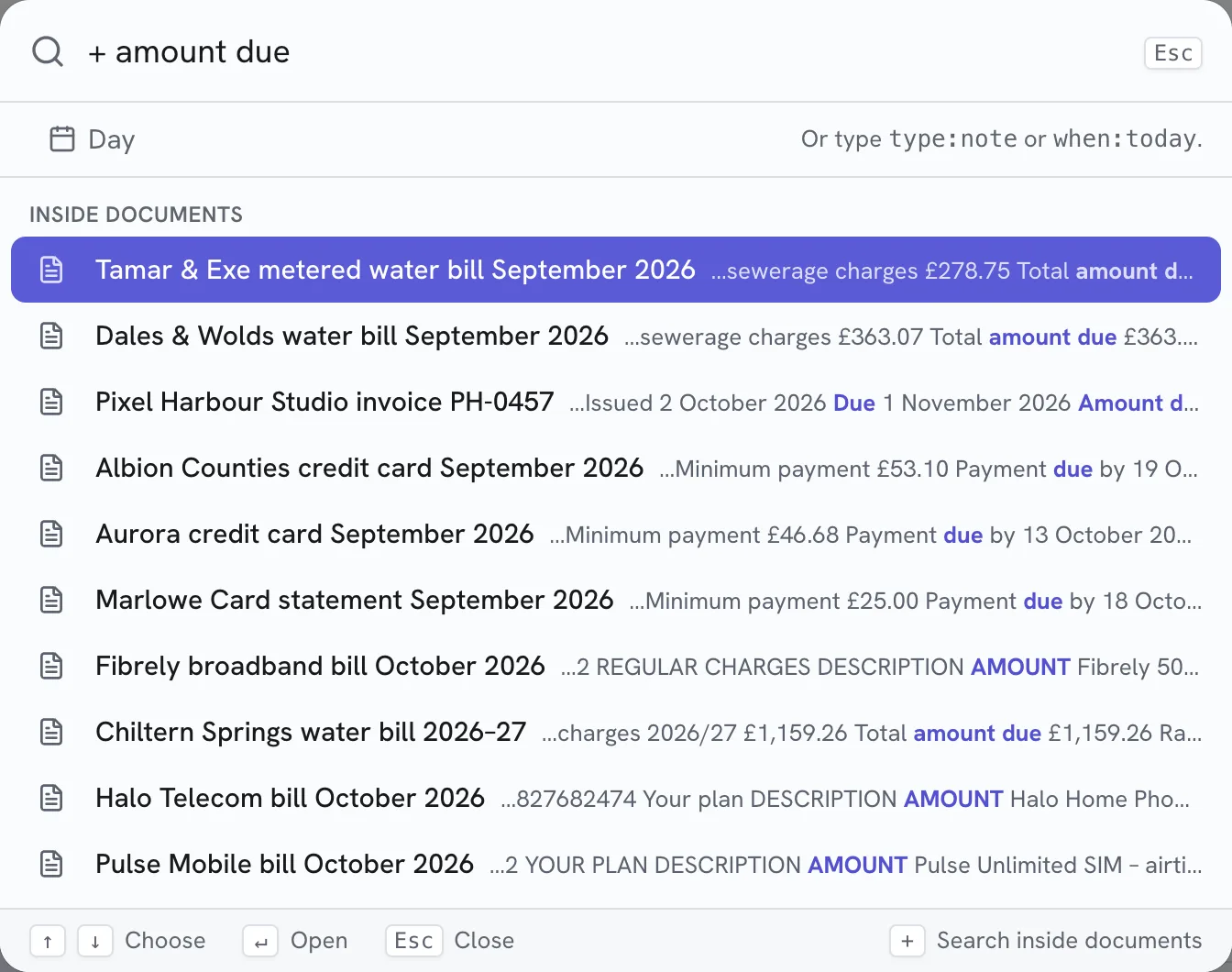
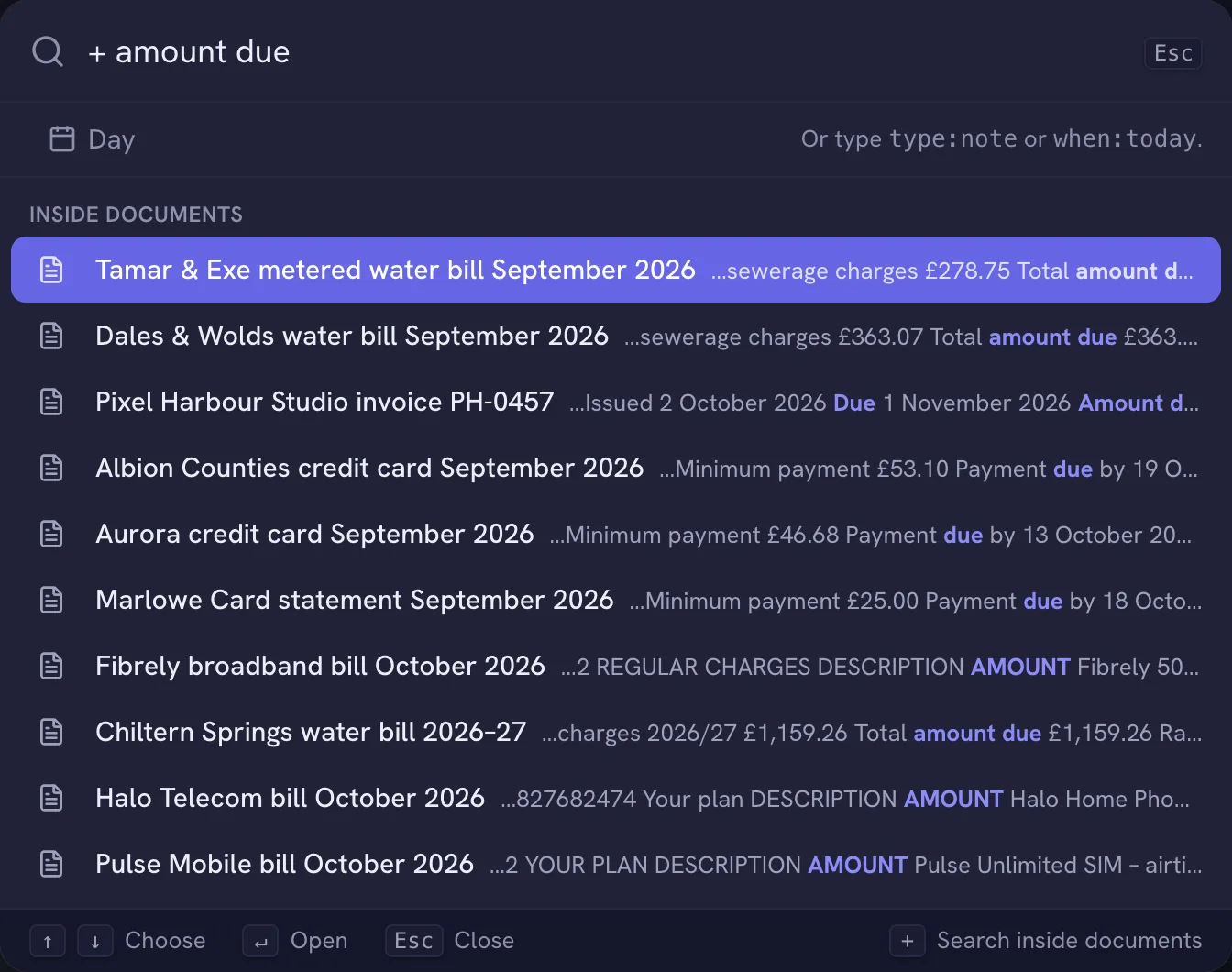
Nifty reads the words in every screenshot. Start a search with + and “+ AE-448213” brings the booking straight back, even if you never gave it a name.
Summed up, if you like.
Turn on AI and Nifty writes a short summary of each screenshot, as it does for your PDFs, so you can see what it is at a glance. It’s off until you choose it.
How to take screenshots, and where they can go: Screenshots in the help →